GPT Image 2.5 API
Image G v2.5's low-price extension supports text-to-image and reference-image editing at 1k, 2k or 4k, with one output per request. The upstream upgrade is rolling out; the actual version depends on the account rollout.
Capabilities
- Model
- Image
- API model
zhenzhen-image-g-v2.5-lowprice- Endpoints
- POST /v1/image/generations, GET /v1/image/generations/{id}
- Parameters
- prompt, images: 0–15, resolution: 1k / 2k / 4k, size, n: 1
Current pricing
≈¥0.04–0.16 per request
Gallery examples
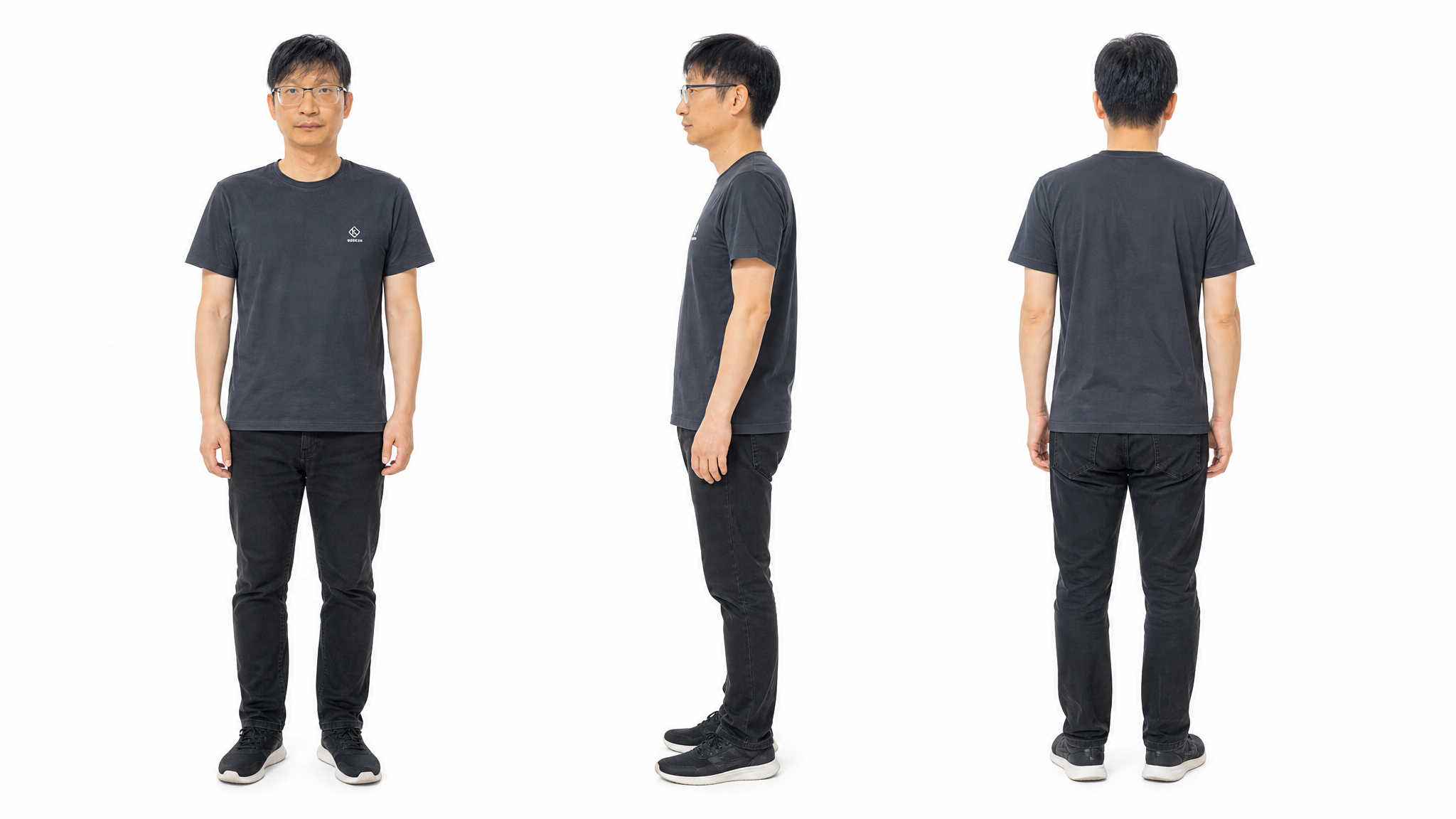 Voice-over
API model:
zhenzhen-image-g-v2.5-lowpriceVoice-over — explore this zhenzhen-image-g-v2.5-lowprice creation on OpenZhenZhen, with its original prompt and a reusable generation example.
 Woman Lying on the Table
API model:
zhenzhen-image-g-v2.5-lowpriceWoman Lying on the Table — explore this zhenzhen-image-g-v2.5-lowprice creation on OpenZhenZhen, with its original prompt and a reusable generation example.
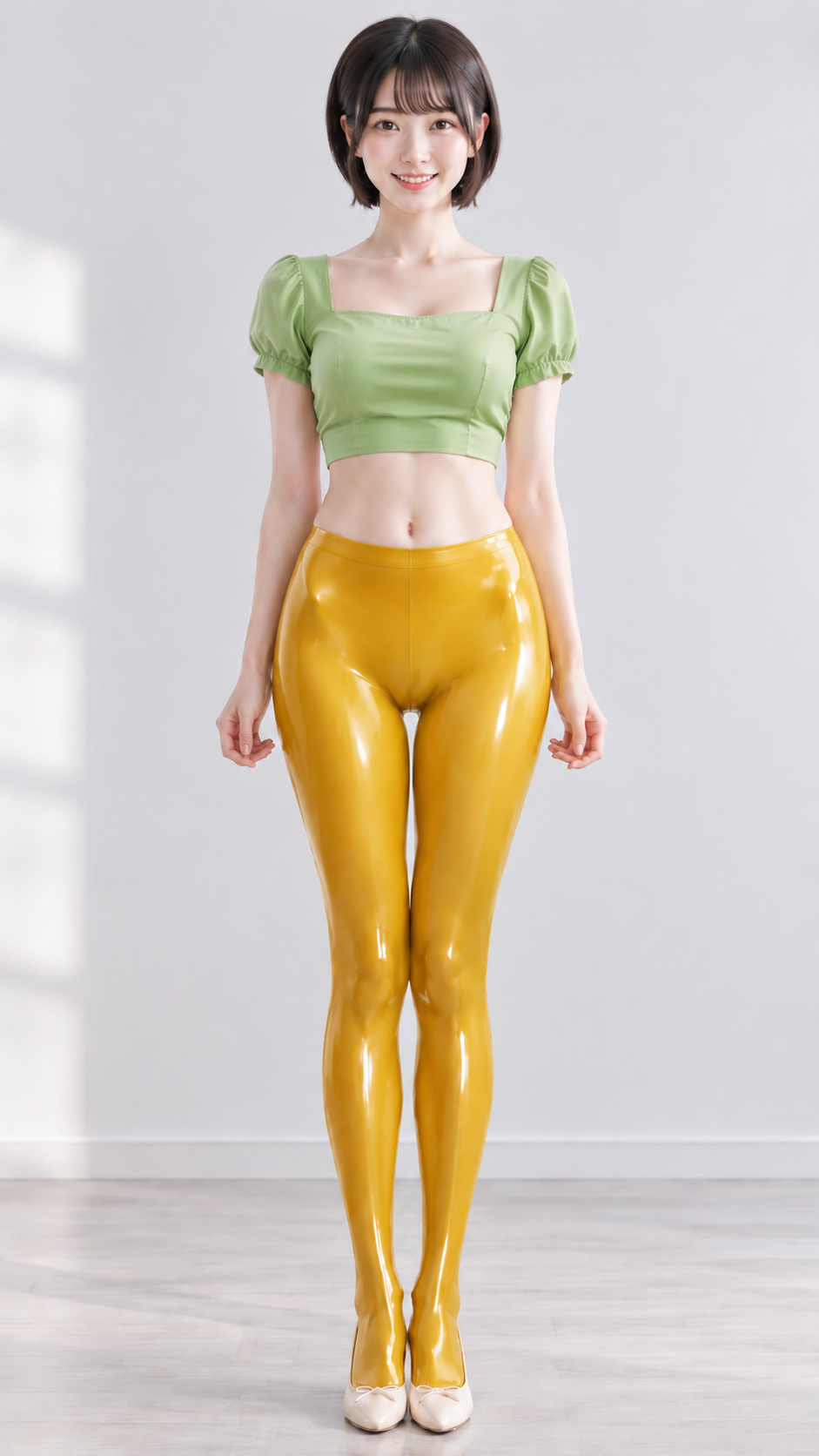 Stockings
API model:
zhenzhen-image-g-v2.5-lowpriceStockings — explore this zhenzhen-image-g-v2.5-lowprice creation on OpenZhenZhen, with its original prompt and a reusable generation example.
 Stockings
API model:
zhenzhen-image-g-v2.5-lowpriceStockings — explore this zhenzhen-image-g-v2.5-lowprice creation on OpenZhenZhen, with its original prompt and a reusable generation example.
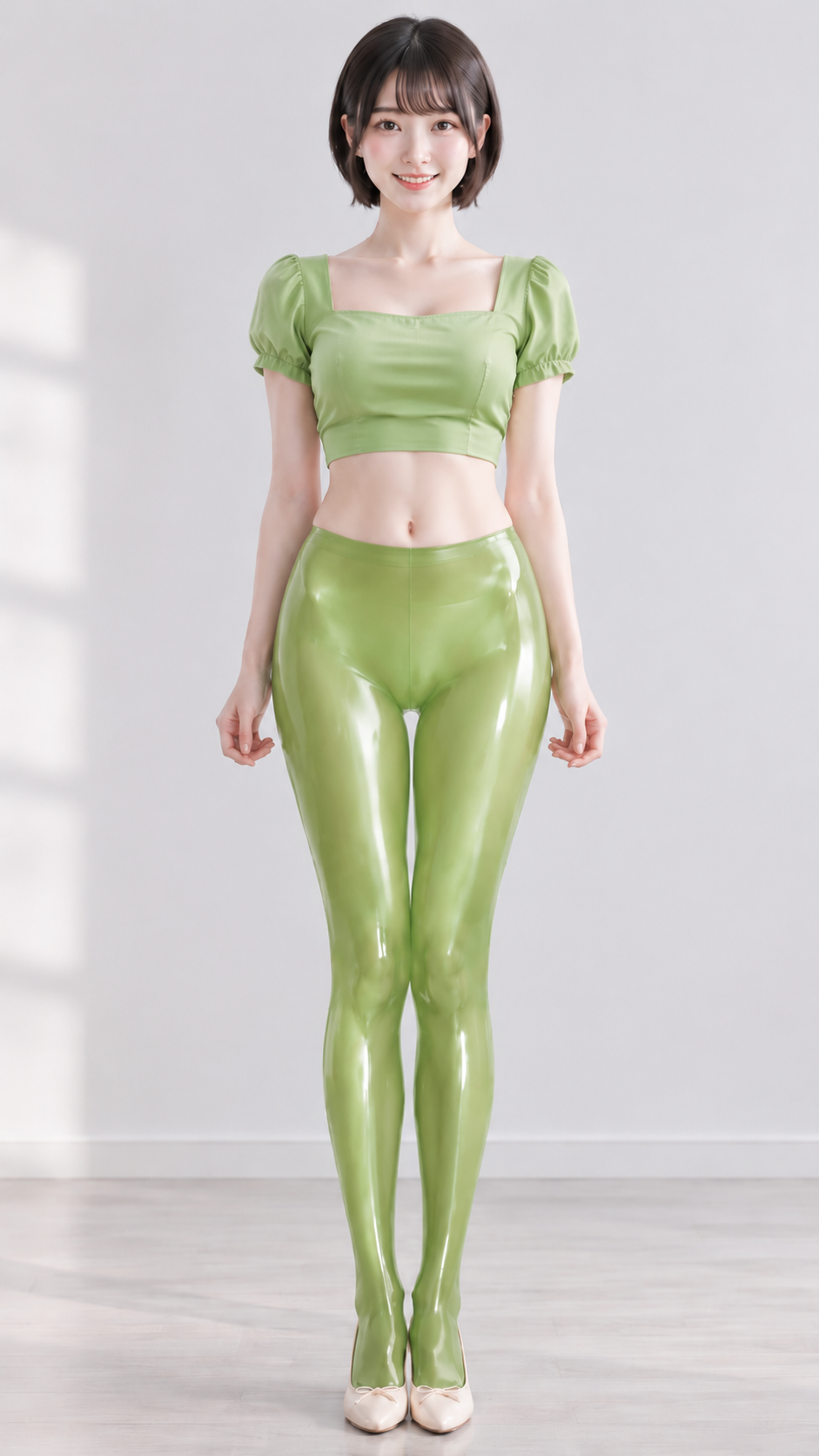 Stockings
API model:
zhenzhen-image-g-v2.5-lowpriceStockings — explore this zhenzhen-image-g-v2.5-lowprice creation on OpenZhenZhen, with its original prompt and a reusable generation example.
 Silk Stockings
API model:
zhenzhen-image-g-v2.5-lowpriceSilk Stockings — explore this zhenzhen-image-g-v2.5-lowprice creation on OpenZhenZhen, with its original prompt and a reusable generation example.
Quick start
Example workflow: generate a red ceramic teapot on a white table, then add images references to edit the background or lighting. Up to 15 public reference images are accepted; n must be 1. This extension has no quality, transparent-background or output-format controls. Do not reuse Flare or Sunburst parameters. Examples below are published gallery works.
cURL
curl --fail-with-body https://www.zzai.app/v1/image/generations \
  -H "Authorization: Bearer $SEEDANCE_API_KEY" \
  -H "Content-Type: application/json" \
  -d '{"model":"zhenzhen-image-g-v2.5-lowprice","n":1,"prompt":"A red ceramic teapot on a white table, soft morning light, product photography, no text.","resolution":"1k","size":"16:9"}'
Python
import json, os, requests

payload = json.loads(r'''{"model":"zhenzhen-image-g-v2.5-lowprice","n":1,"prompt":"A red ceramic teapot on a white table, soft morning light, product photography, no text.","resolution":"1k","size":"16:9"}''')
response = requests.post(
    "https://www.zzai.app/v1/image/generations",
    headers={"Authorization": "Bearer " + os.environ["SEEDANCE_API_KEY"]},
    json=payload, timeout=120,
)
response.raise_for_status()
print(response.json()["id"])
JavaScript
const response = await fetch("https://www.zzai.app/v1/image/generations", {
  method: 'POST',
  headers: { Authorization: 'Bearer ' + process.env.SEEDANCE_API_KEY, 'Content-Type': 'application/json' },
  body: JSON.stringify({"model":"zhenzhen-image-g-v2.5-lowprice","n":1,"prompt":"A red ceramic teapot on a white table, soft morning light, product photography, no text.","resolution":"1k","size":"16:9"}),
});
if (!response.ok) throw new Error(await response.text());
console.log((await response.json()).id);
Save the returned id as TASK_ID in the query example. Query every 3–5 seconds until success or failure; submission does not mean generation is complete. Save result files promptly. data.status: SUCCESS / FAILURE; data.result_url.
curl --fail-with-body https://www.zzai.app/v1/image/generations/$TASK_ID \
  -H "Authorization: Bearer $SEEDANCE_API_KEY"
Frequently asked questions
How do I call this model?
Create an API key, choose the model name below, and send a request to the documented OpenAI-compatible endpoint. Final billing follows the current price and usage parameters.