GPT Image 2.6 Sunburst API
GPT Image Sunburst (v2.5 and v2.6) is the GPT Image line tuned for precise editing: text-to-image or editing with up to 16 reference images, 1–4 outputs per request at 1k, 2k or 4k.
Capabilities
- Model
- Image
- API model
zhenzhen-image-g-v2.6-sunburst- Endpoints
- POST /v1/image/generations, GET /v1/image/generations/{id}
- Parameters
- prompt, images: 0–16 (public HTTP(S)), n: 1–4, size: auto / ratio / WxH, resolution: 1k / 2k / 4k, quality: auto / low / medium / high / xhigh / max, output_format: png / jpeg / webp, background: auto / transparent / opaque, v2.6: complexity, mask_url / markup_url / markup, gif / svg
Current pricing
≈¥0.09–4.29 per request
Gallery examples
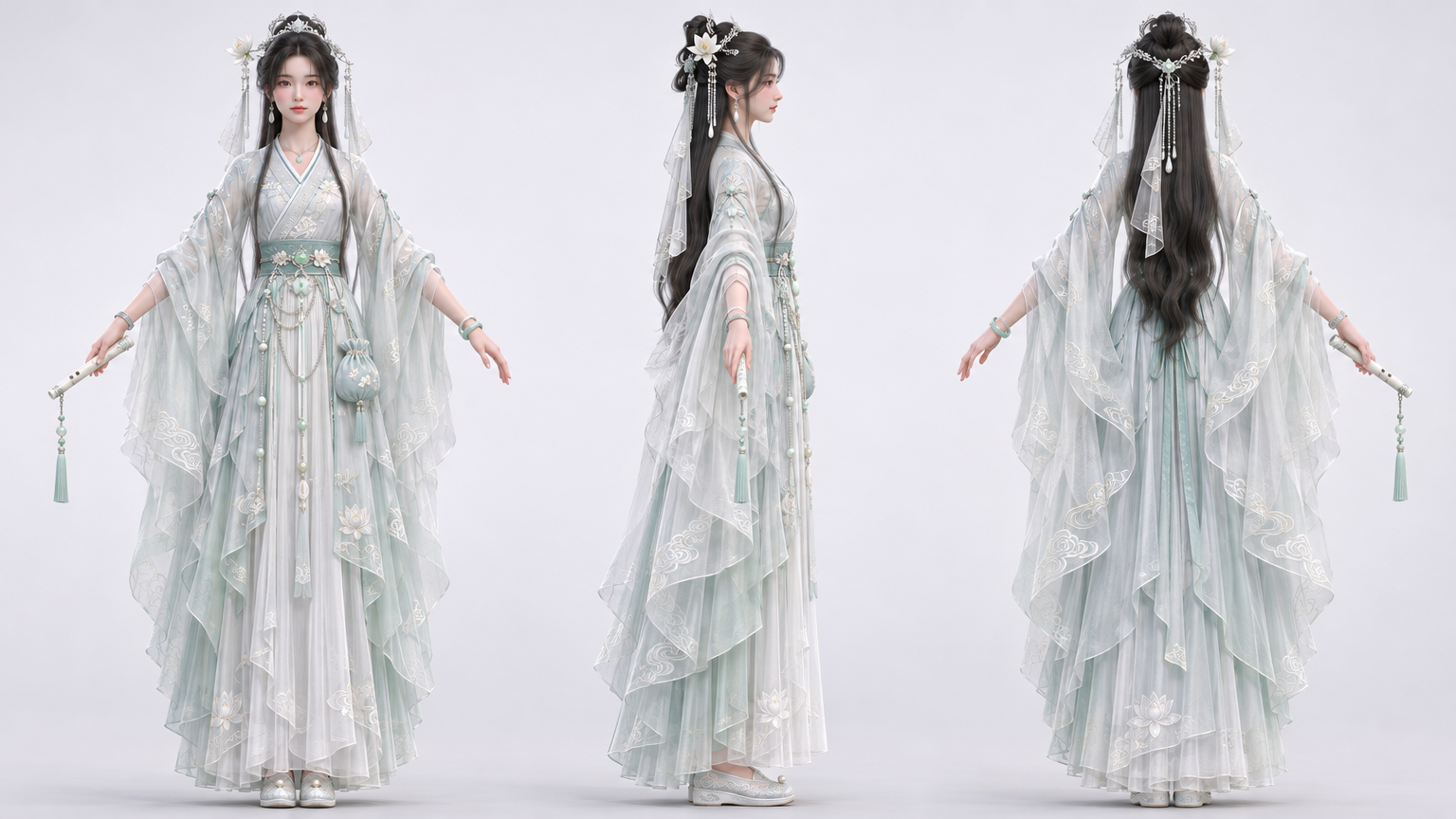 Character Design
API model:
zhenzhen-image-g-v2.6-sunburstCharacter Design — explore this zhenzhen-image-g-v2.6-sunburst creation on OpenZhenZhen, with its original prompt and a reusable generation example.
 It Moves Now
API model:
zhenzhen-image-g-v2.6-sunburstIt Moves Now — explore this zhenzhen-image-g-v2.6-sunburst creation on OpenZhenZhen, with its original prompt and a reusable generation example.
Quick start
Example workflow: upload a product photo and ask to make it blue while keeping its shape. Leave size empty to keep the reference proportions, or set auto, a ratio such as 1:1 or 16:9, or WxH (multiples of 16, each side at most 3840, 655,360–8,294,400 pixels). quality is auto, low, medium, high, xhigh or max; output is png, jpeg or webp, and a transparent background needs png or webp. References must be public HTTP(S) URLs and streaming is not supported. v2.6 adds complexity, masked edits (mask_url, markup_url or markup, together with images) and text-only GIF and SVG output.
cURL
curl --fail-with-body https://www.zzai.app/v1/image/generations \
  -H "Authorization: Bearer $SEEDANCE_API_KEY" \
  -H "Content-Type: application/json" \
  -d '{"images":["https://your-cdn.example/product.png"],"model":"zhenzhen-image-g-v2.6-sunburst","prompt":"Make the teapot blue and keep its shape, lighting and background.","quality":"low","resolution":"1k"}'
Python
import json, os, requests

payload = json.loads(r'''{"images":["https://your-cdn.example/product.png"],"model":"zhenzhen-image-g-v2.6-sunburst","prompt":"Make the teapot blue and keep its shape, lighting and background.","quality":"low","resolution":"1k"}''')
response = requests.post(
    "https://www.zzai.app/v1/image/generations",
    headers={"Authorization": "Bearer " + os.environ["SEEDANCE_API_KEY"]},
    json=payload, timeout=120,
)
response.raise_for_status()
print(response.json()["id"])
JavaScript
const response = await fetch("https://www.zzai.app/v1/image/generations", {
  method: 'POST',
  headers: { Authorization: 'Bearer ' + process.env.SEEDANCE_API_KEY, 'Content-Type': 'application/json' },
  body: JSON.stringify({"images":["https://your-cdn.example/product.png"],"model":"zhenzhen-image-g-v2.6-sunburst","prompt":"Make the teapot blue and keep its shape, lighting and background.","quality":"low","resolution":"1k"}),
});
if (!response.ok) throw new Error(await response.text());
console.log((await response.json()).id);
Save the returned id as TASK_ID in the query example. Query every 3–5 seconds until success or failure; submission does not mean generation is complete. Save result files promptly. data.status: SUCCESS / FAILURE; data.result_url.
curl --fail-with-body https://www.zzai.app/v1/image/generations/$TASK_ID \
  -H "Authorization: Bearer $SEEDANCE_API_KEY"
Frequently asked questions
How do I call this model?
Create an API key, choose the model name below, and send a request to the documented OpenAI-compatible endpoint. Final billing follows the current price and usage parameters.