Google Nano Banana 2.1 API
Google Nano Banana 2.1:通过兼容 OpenAI 的 API 进行图片生成。
在线试用 · 获取 API Key · 查看文档
模型能力
- 模型
- 图片
- API 模型
zhenzhen-image-nb-2.1- 接口
- openai
- 参数
- 分辨率, 画面比例, 参考图片, 输出格式
实时价格
zhenzhen-image-nb-2.1: ≈¥0.11–0.16 每次请求
模型变体
| API 模型 | 用途 | 实时价格 |
|---|---|---|
zhenzhen-image-nb-2.1 | 图片 | ≈¥0.11–0.16 每次请求 |
zhenzhen-image-nb-2.1-lowprice | 图片 | ¥0.06–0.10 每次请求 |
画廊样例
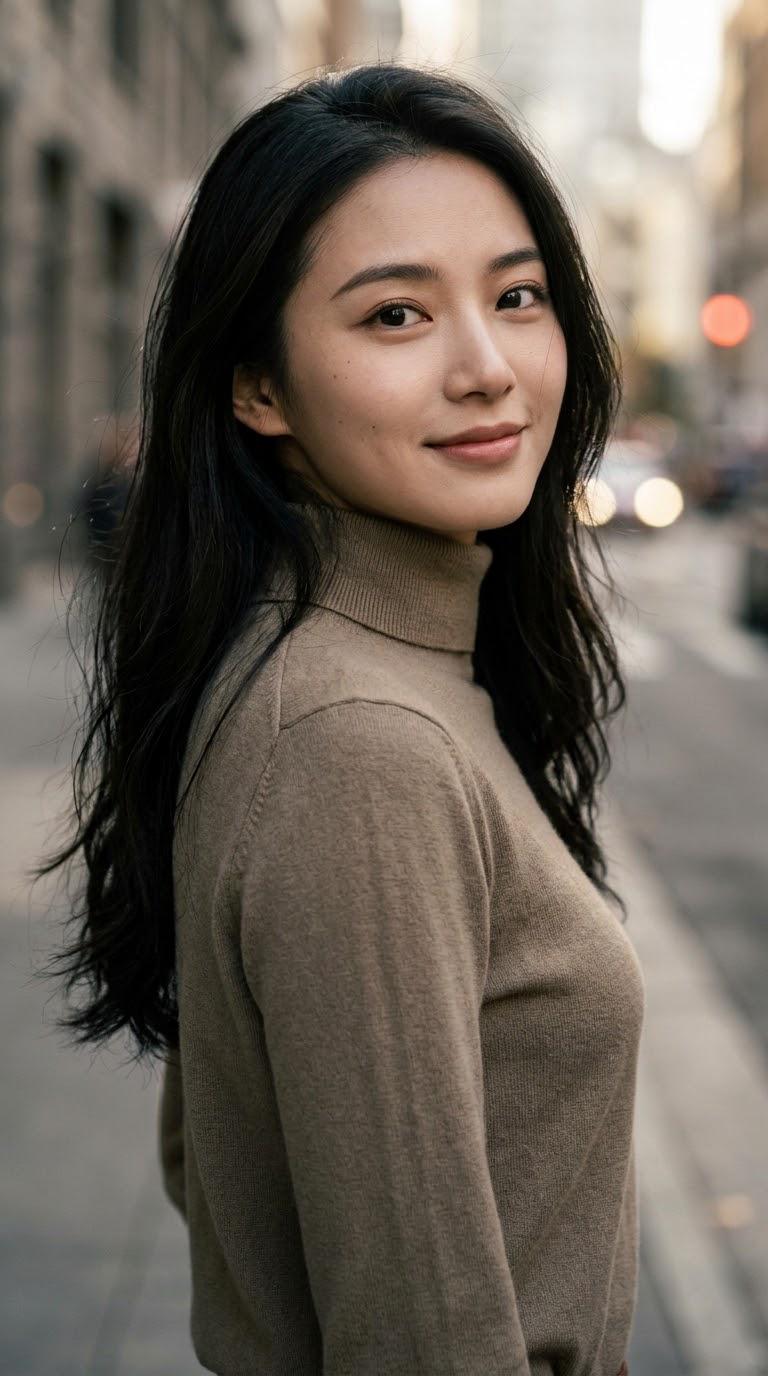 柔光中的都市侧影
API 模型:
zhenzhen-image-nb-2.1-lowprice一位极具魅力的年轻东方女性特写肖像,五官精致立体,皮肤清透自然,眼神明亮自信,长发柔顺有光泽;身着简洁高级感服装,柔和侧光勾勒面部与肩颈线条,背景为低饱和度的虚化都市光影,浅景深,85mm人像镜头质感,色调温润细腻,氛围优雅而有亲和力,时尚人像摄影风格。
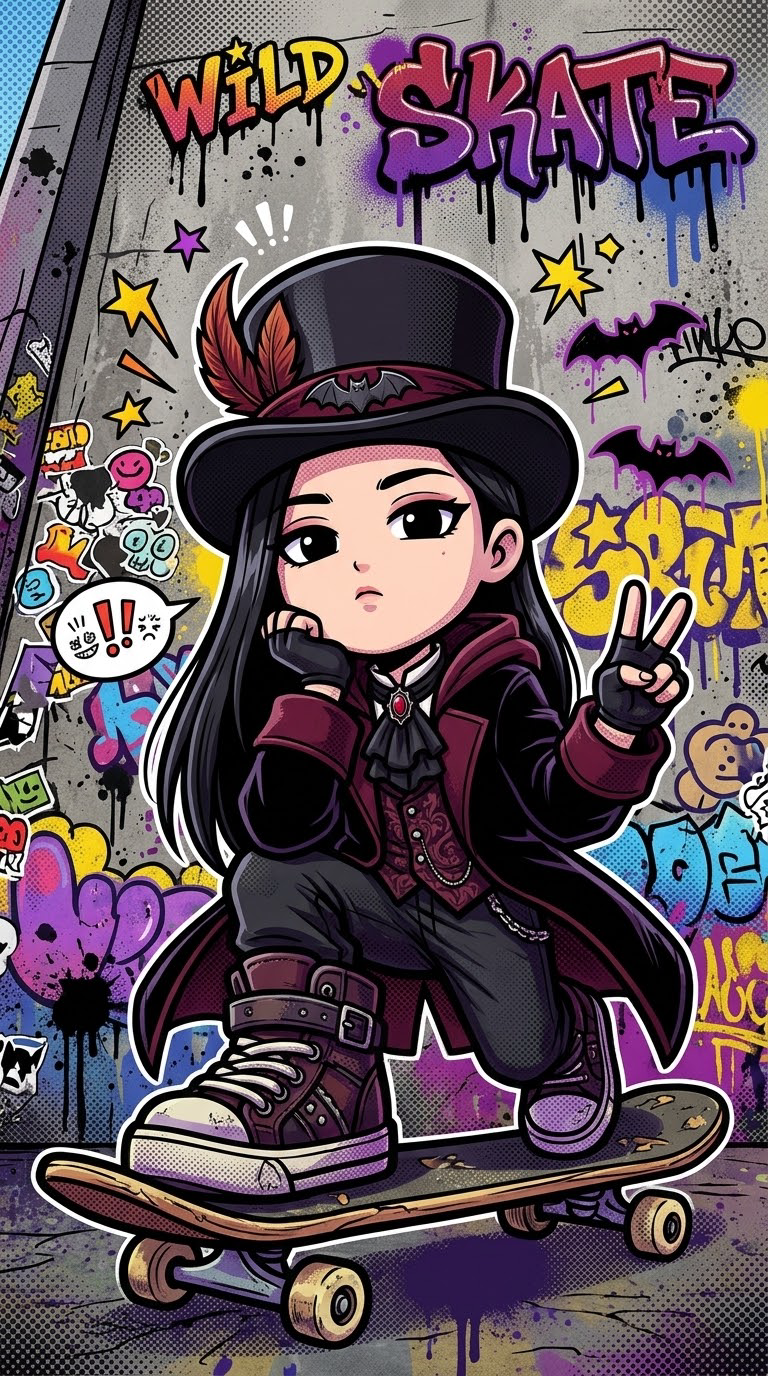 美式涂鸦
API 模型:
zhenzhen-image-nb-2.1-lowpriceStyle & Concept: A vibrant street graffiti pop art image-to-image transformation of the character in the reference image, chibi style with super-deformed big head proportions, bold thick black outlines, high-contrast saturated colors. Character Adaptation: Reimagine the input character as a street p
快速开始
curl https://api.seedance.nz/v1/chat/completions \
  -H "Authorization: Bearer $SEEDANCE_API_KEY" \
  -H "Content-Type: application/json" \
  -d '{"model":"zhenzhen-image-nb-2.1","prompt":"A clear description of the scene"}'
from openai import OpenAI
client = OpenAI(base_url="https://api.seedance.nz/v1", api_key="$SEEDANCE_API_KEY")
result = client.images.generate(model="zhenzhen-image-nb-2.1", prompt="A clear description of the scene")const client = new OpenAI({ baseURL: 'https://api.seedance.nz/v1', apiKey: process.env.SEEDANCE_API_KEY });
const result = await client.images.generate({ model: 'zhenzhen-image-nb-2.1', prompt: 'A clear description of the scene' });常见问题
如何调用这个模型?
创建 API Key,使用下方模型名,并按照文档中的 OpenAI 兼容接口发送请求。最终费用以当前价格和实际参数结算。